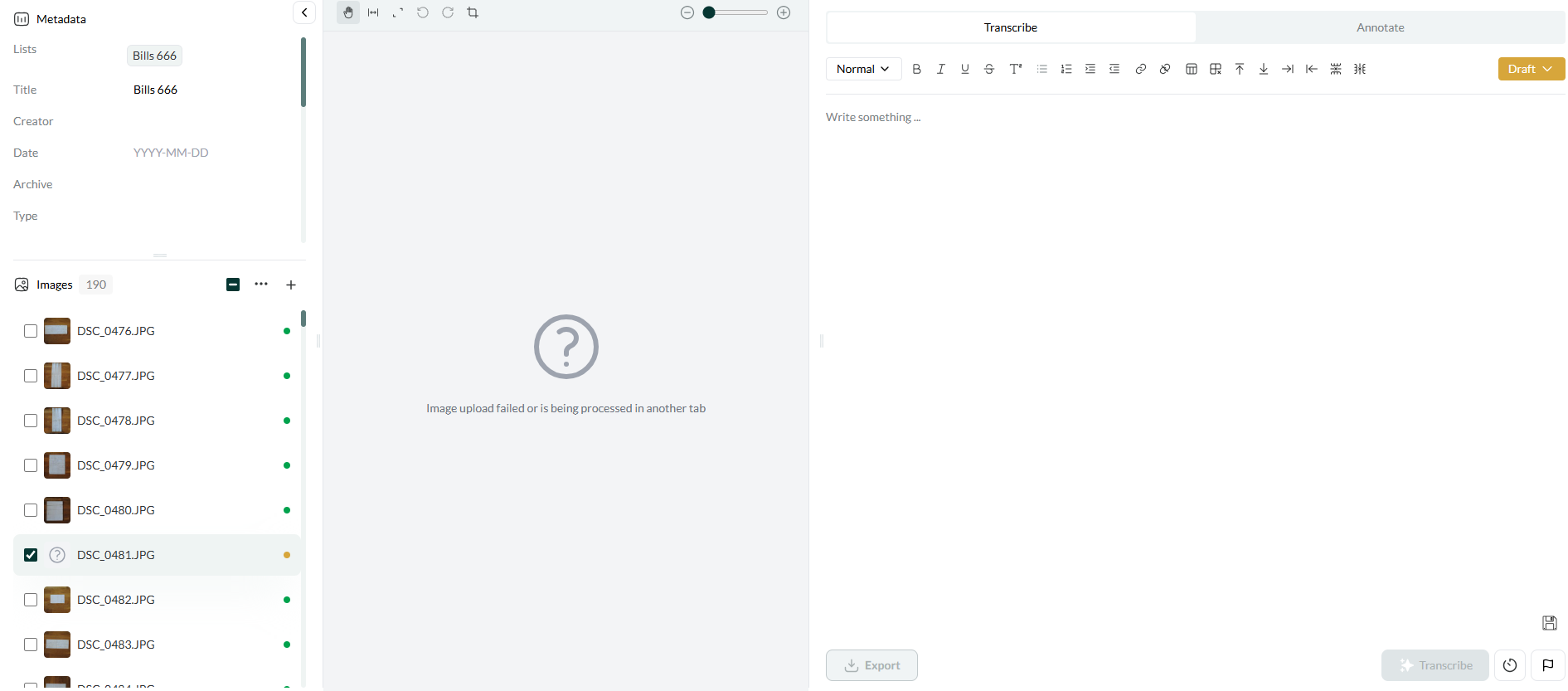
A few random images within different groups of images uploaded together were not transcribed and after clicking on it, it displays information “image upload failed or is being processed in another tab”. It seems that the image needs to be deleted and re-uploaded.
1 Like
This is a known issue with a “race condition” in the image upload process. Because the system is optimized for responsiveness and scale, certain steps can occasionally overlap or run out of order, which may cause uploads to fail unpredictably. We’re working on a more robust fix.
In the meantime, we added a “replace image” option in the “…” dropdown for cases like this, so you don’t need to delete, re-upload, then move the image back into place. What I’m realising based on your report is that we should tell the user how to do this in the main error message. So we’ll do that. Thank you!