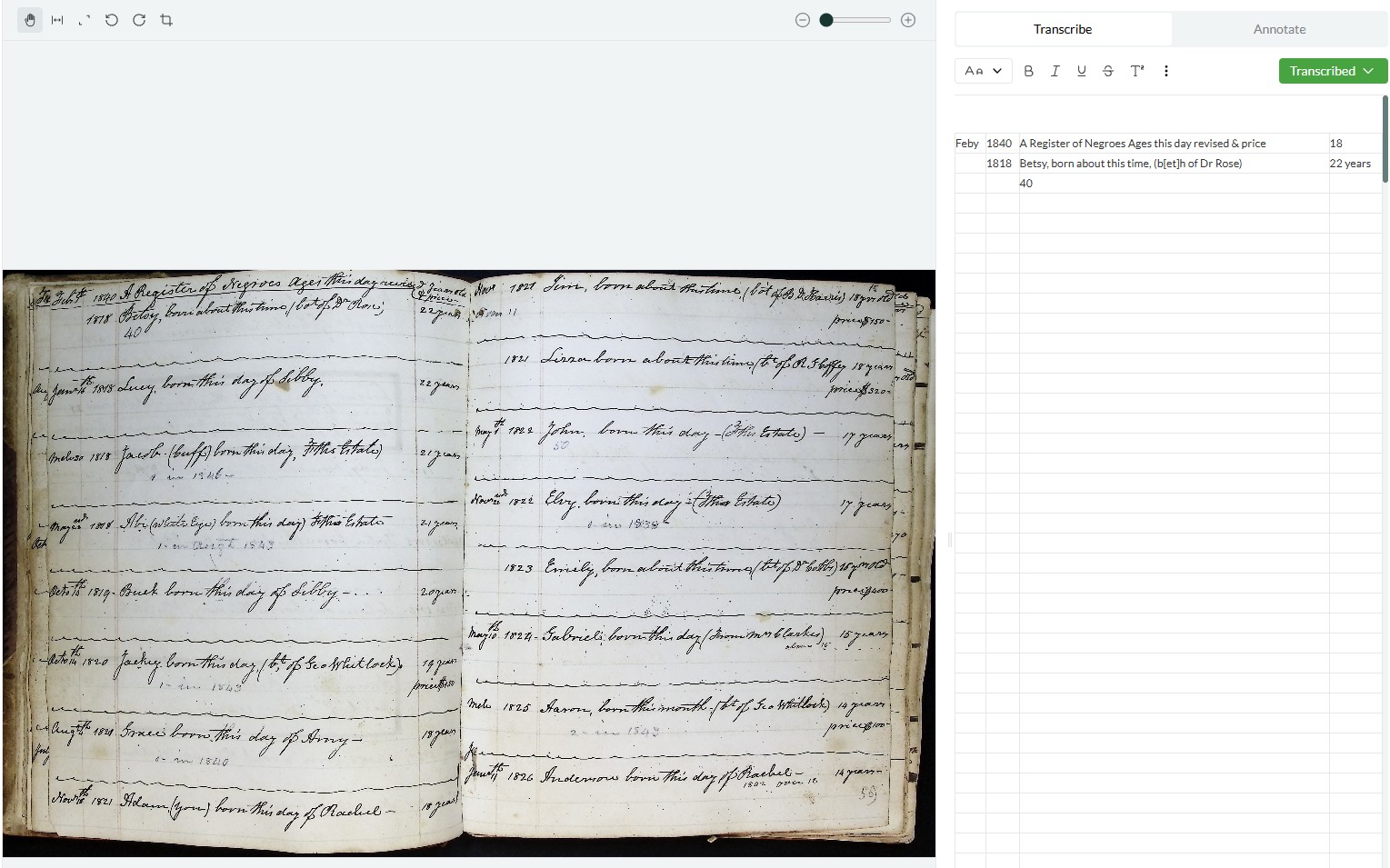
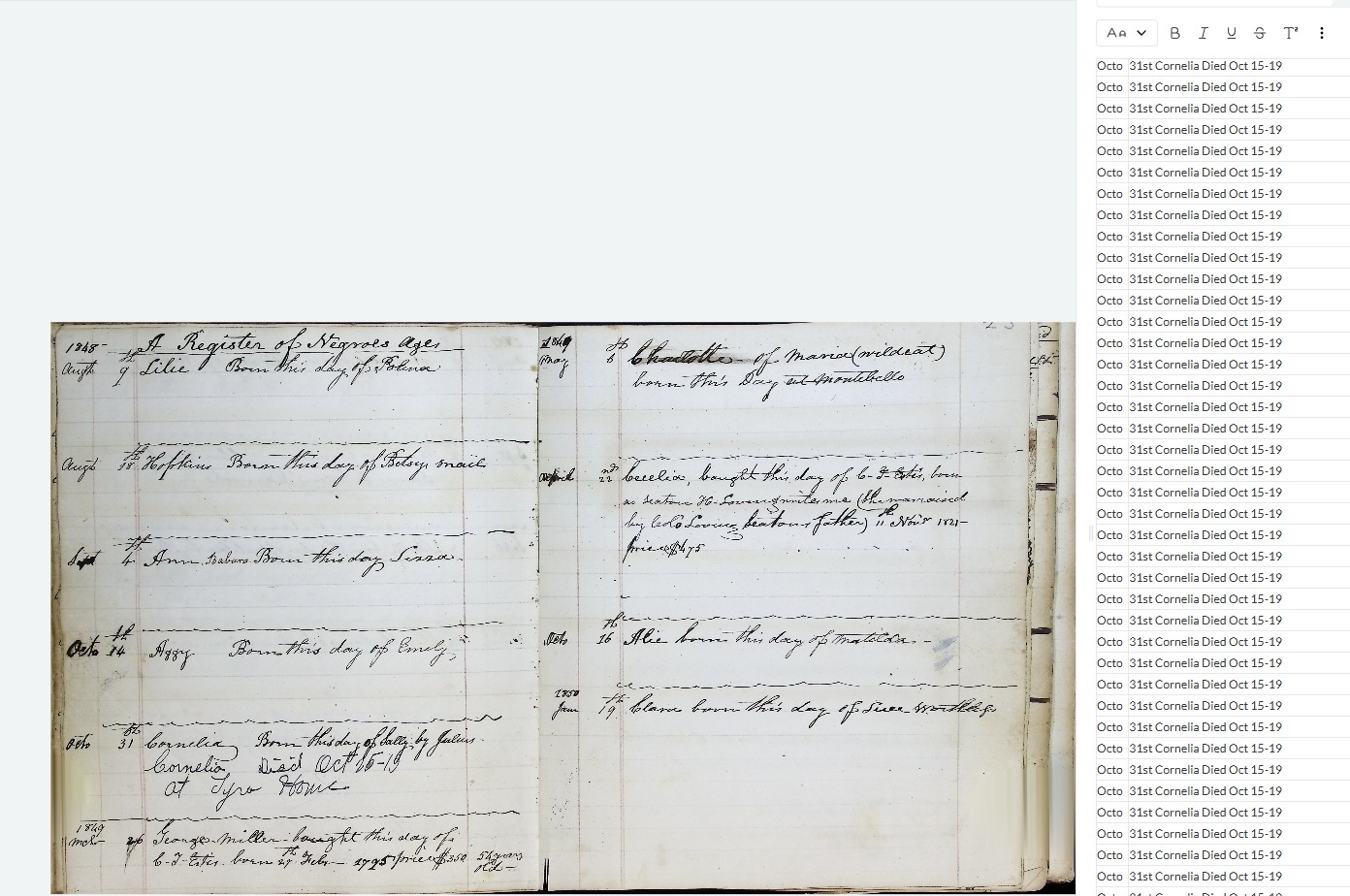
I have encountered a consistent error with Leo when correcting mistakes in the transcription. When I try to introduce corrections where the text, word, or even a letter has been transcribed incorrectly, Leo often reverses my changes, undoing what I typed or deleted. Sometimes this happens mid-typing for me, too, so that a correctly transcribed word appears in the middle of a word or a line that was “recovered” by Leo. Also, when I tried to use arrows on the keyboard to navigate between the lines of transcribed text, instead of changing the cursor’s position, it caused the flicking through images in the list/group.
I can’t immediately reproduce the issue with changes to transcriptions being reversed on my end. For us to diagnose, could you please provide the information listed here? Thank you!
The same has happened to me! It did it for pretty much one in four changes I made, and especially when I tried to delete spacing. I’ve just tried correcting some transcriptions now though (for the first time in about a week), and the issue seems to have stopped; not sure whether I am just having a lucky day or the problem has been addressed? Nothing else has changed on my end: I am still accessing Leo from Chrome on my MacBook Pro.
1 Like
Yes, we did in the end reproduce this and fixed it in the last release!