I was uploaded divided pdfs of a larger document (70 page segments each). An image in the left side of screen was showing blank and I was assuming it was a lag issue. However, once I hit transcribe, the software transcribed blank pages (all 70 of them). I would like to say I caught it right away, but I did the same thing with six other segments (some 480 credits). In hindsight, I should have checked the transcriptions as I was going, but I was focused on getting the whole document uploaded. I double checked the original PDFs on my computer and they are all fine and showing the image. Is there any way to have the software issue a warning to the user if blank pages are uploaded so that the original document can be reuploaded? I am including photos of what I am seeing below:
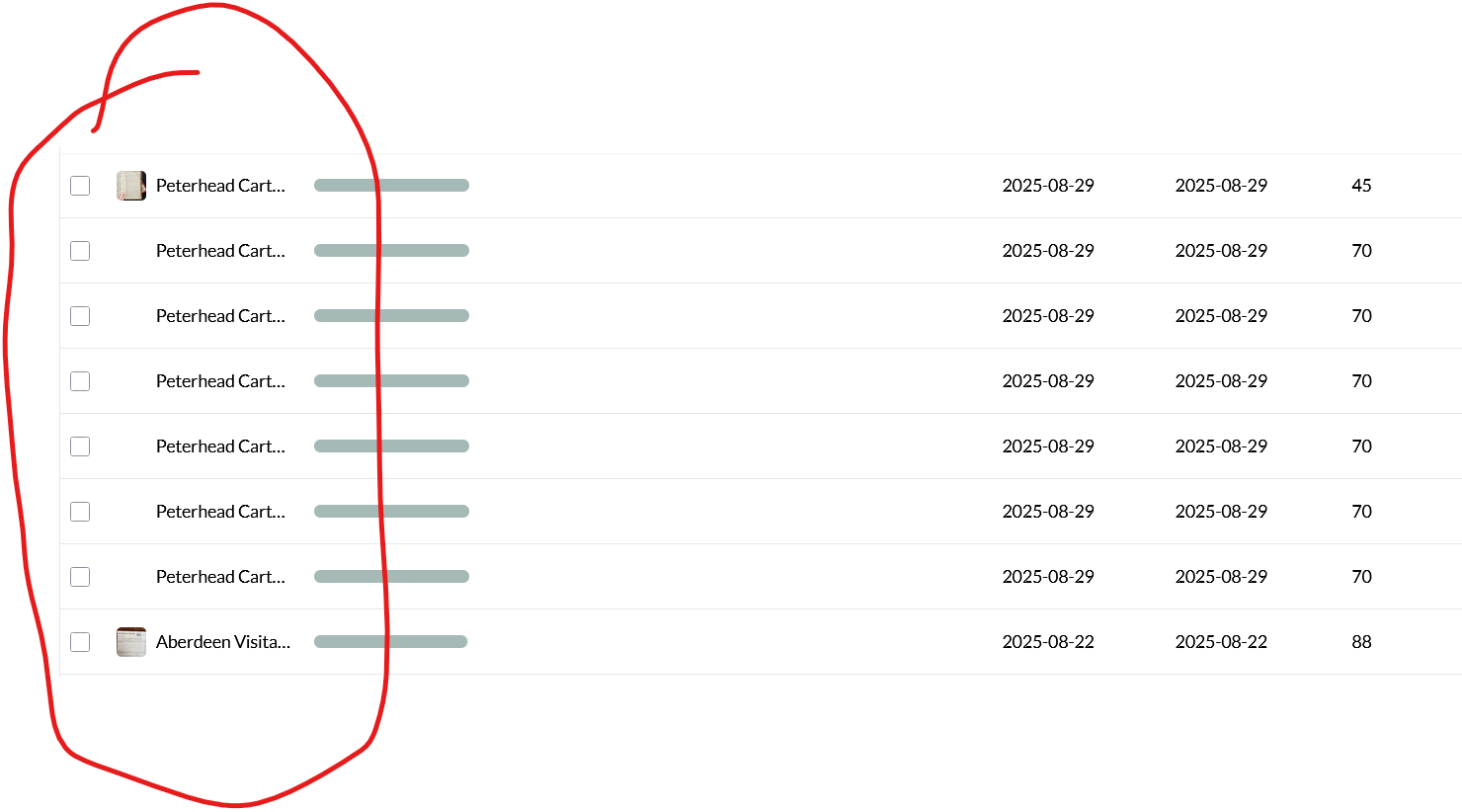
This is what the transcription side of it looked like.
export-20.docx (7.8 KB)
Hi @Andrew_Simpson, thanks for reporting this. Do these represent true blank/white images, or are they placeholder elements? Also was the issue with the PDF that you uploaded, or was it that the images failed to upload? If you could you share a link to the item(s) in question so we can take a closer look at what’s happening (only the Leo team will be able to open the link), that might be helpful.
Hi @Jon this is the link for the uploads. There were several uploads that did this. The original PDF was good and opened fine when I openend it on my side. It seems that it was just a problem with the pages failing to upload. Let me know if any other information would be helpful: Leo | Decipher your archive Leo | Decipher your archive Leo | Decipher your archive & Leo | Decipher your archive
Hi @Andrew_Simpson – apologies for this. It looks like images were extracted but they’re all fully transparent for some reason. I suspect there’s an issue with our image extraction code for this particular PDF.
Would you be able to share the offending PDF (or even one page of it) with me (jack@tryleo.ai)? Then we’ll be able to investigate properly and get this fixed.
Thanks!