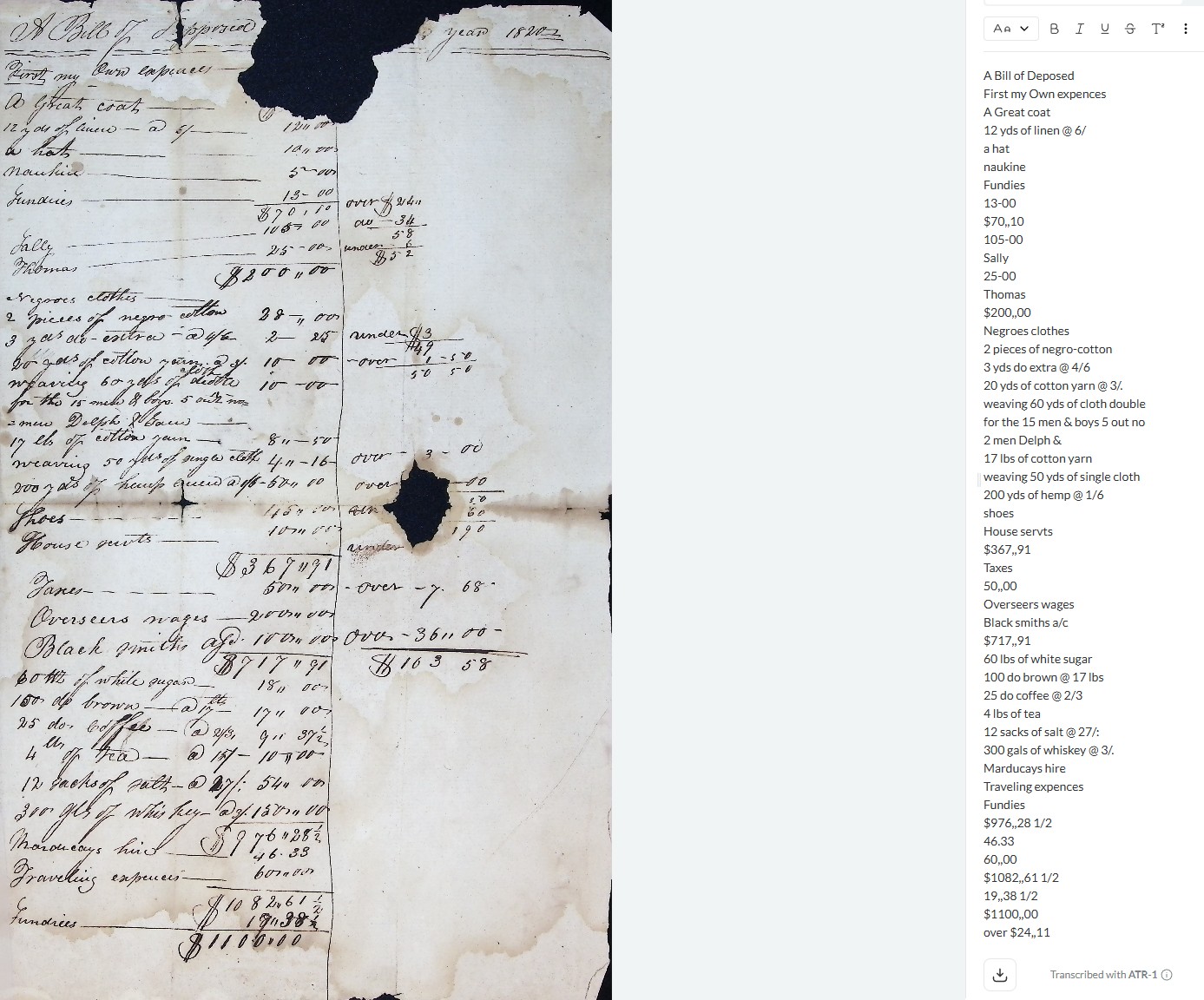
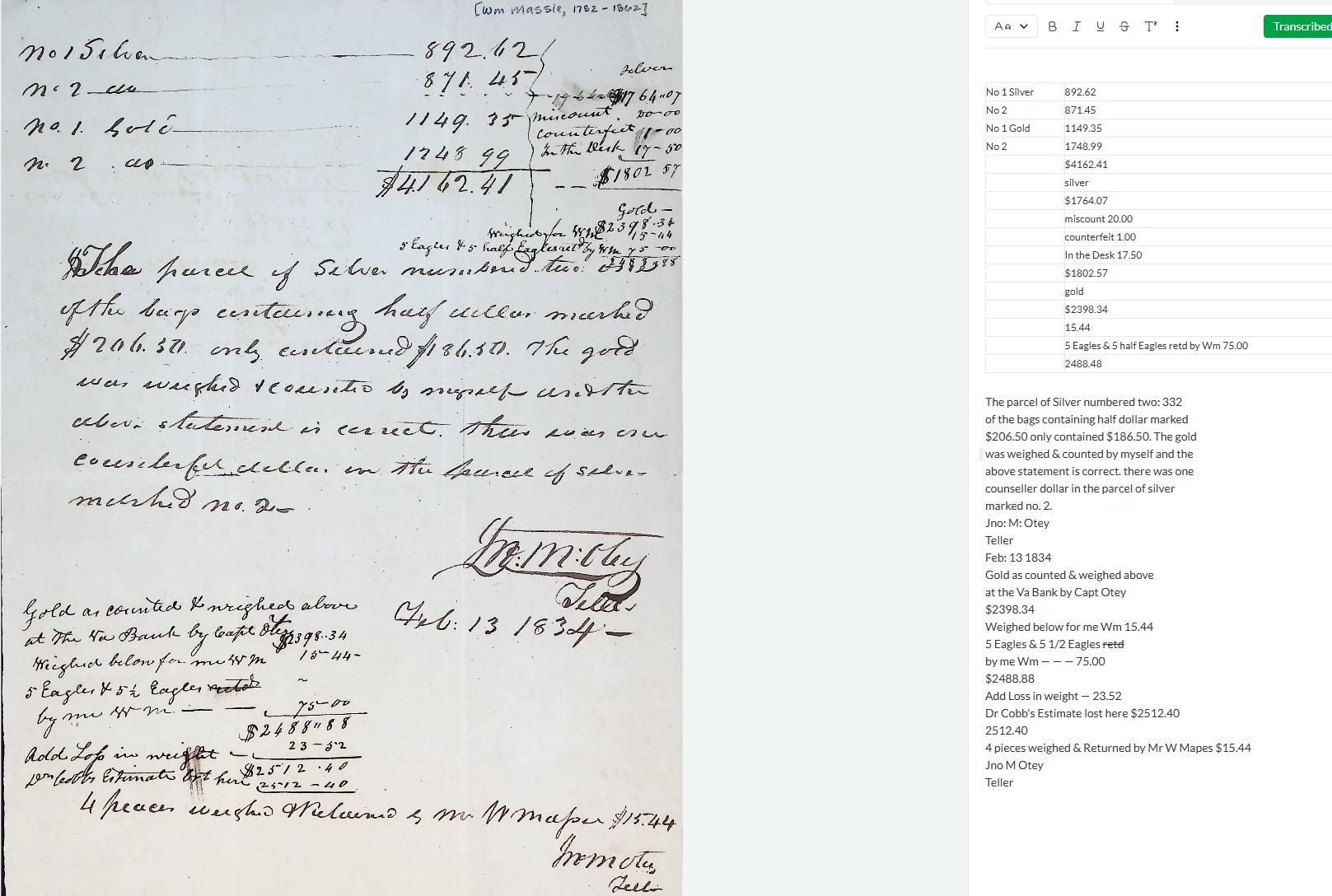
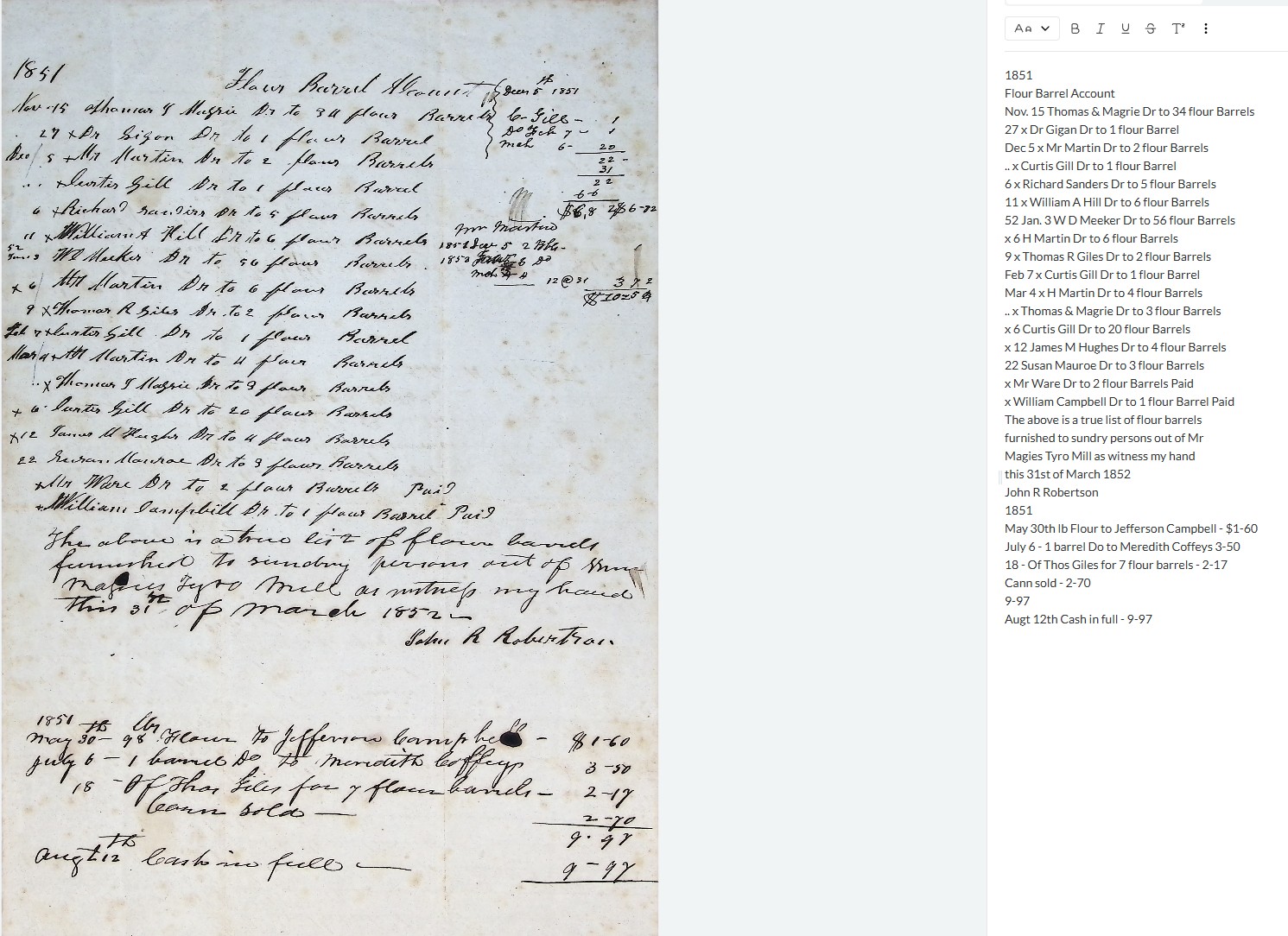
I thought I would sum up our thoughts on Leo’s transcription accuracy in a few points, instead of writing separate topics for each one. We used Leo on the 17th-century bills, medieval charters, and an accounts book from the 18th century.
-
Overall, Leo is performing quite well, however, we find it difficult to give one opinion about transcription accuracy, since sometimes Leo’s transcription is almost flawless, and the other times we encounter a lot of mistakes (some of which seemed to have been avoided in other documents). It is often difficult to say what causes worse transcription outcomes; sometimes it struggles with big/older documents, but sometimes it does not perform well with later and smaller or less complex records. It often struggles with images that are not sharp, but sometimes blurry images are transcribed quite well, but other time sharp images do not give good enough results.
-
Generally speaking, documents that are less overwhelmed with text, have clearer handwriting and line distinction, are easier for Leo to transcribe. It seems to struggle with large pages with a lot of text.
-
The quality of images matters for Leo and we spotted that better the image, it is more likely for Leo to provide better transcription. However, there were occasions when we provided quite clear images and the transcription was not the best.
-
Also, when presented with a photo of two pages, it seems not to recognise it, and we did not have a good enough transcription of two pages captured by the same photo. It seems to be necessary to provide Leo with individual pages, e.g., of a book or a notebook.
-
I have seen it was mentioned before, but we encountered that Leo “crashes” when encountering more difficult/bigger text to transcribe from one photograph. Sometimes is starts to repeat the same line/lines over and over again, sometimes it does not transcribe parts of the document, and sometimes it inserts block of emdashes. Moreover, we encountered a similar issue with some of the easier documents with less text. As mentioned before, it seems to be quite temperamental, and sometimes it is difficult to pinpoint the reason for bad transcription or lack of transcription.