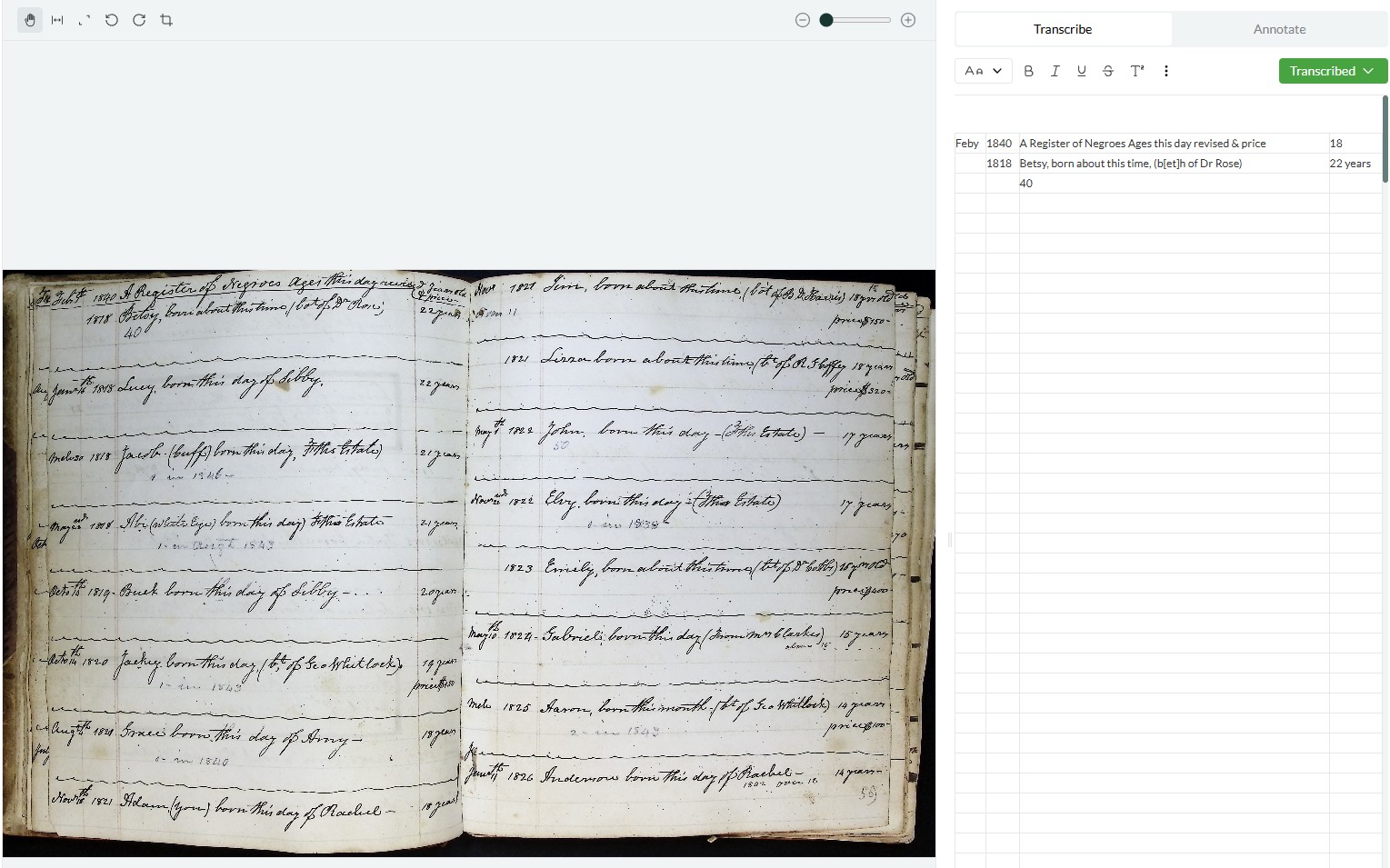
I’ve now used hundreds of credits transcribing documents with tables, mostly using Leo v0.1.2 and v0.1.3. Here are my observations about the experience:
Preface
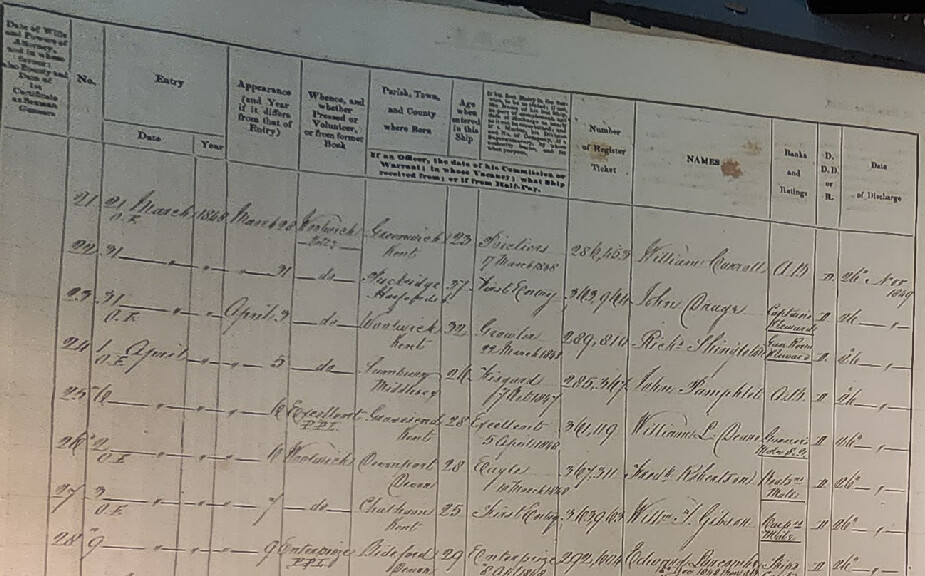
I knew going into the beta test that Leo was a little finnicky when it comes to tables; it can get easily overwhelmed and start hallucinating when a document like a ship’s muster roll includes too many “table” elements. I therefore haven’t used Leo to transcribe any of my muster rolls after it failed my initial attempts.
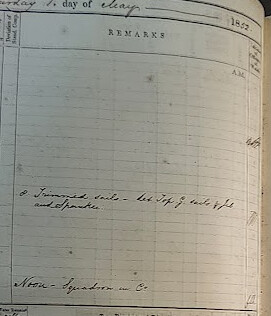
My other kind of document in need of transcription, ship logs, are also made up of tables, but I am only interested in the “Remarks” section of each page. Each raw image contains 3–4 Remarks sections, so I’ve had to split them to upload, using 3–4 credits per image. With over 1,000 raw images, this adds up fast and means that I wasn’t able to get through all of my documents during the beta test.
Transcription Quality
The Good:
- Most transcriptions were accurate
- Crossed-out words were preserved with strikethroughs
- No issues with distorted, superscript, or crooked text
The Bad:
- Occasional missed elements, blanks, or hallucinations—even with pre-processing
- Errors are more common lower in the image and/or when text is light, poorly lit, on lined paper, or near the bottom
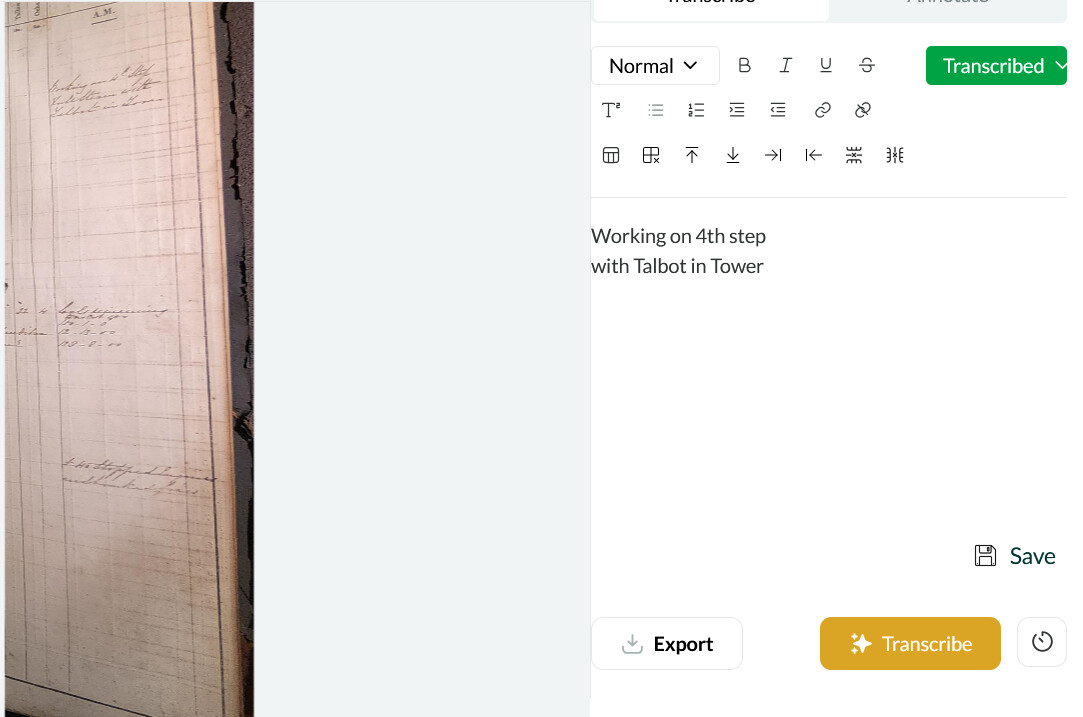
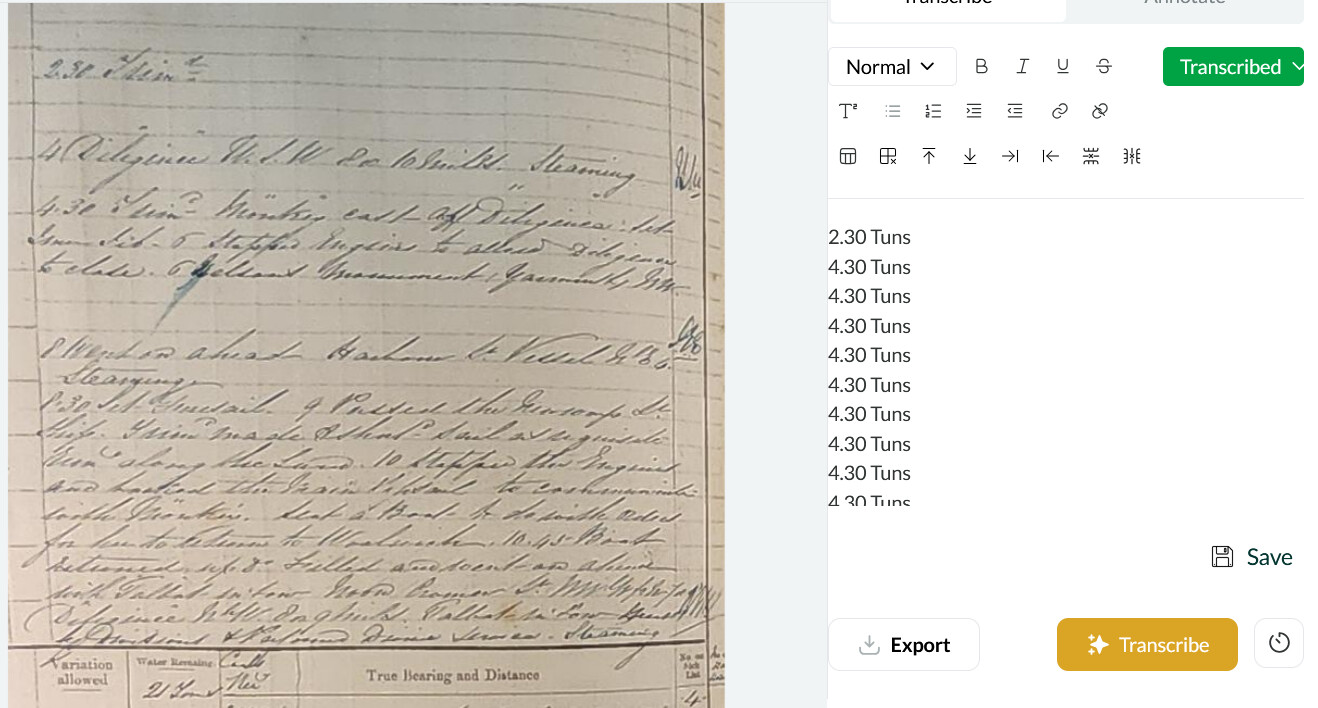
Notably, I experienced no missed, blank, or hallucinatory transcriptions with the logbook that used the faintest lined paper.
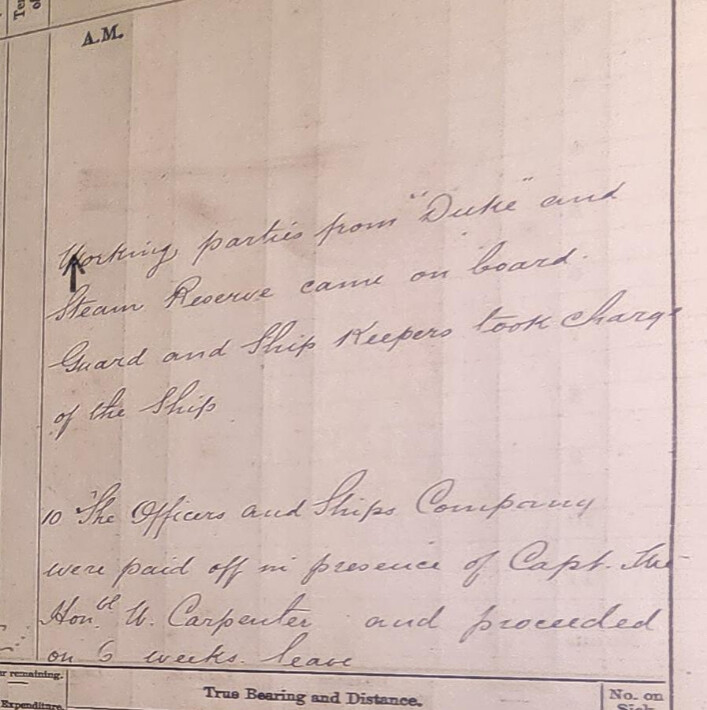
The Ugly:
- Consistent trouble with “T.” HMS Talbot was often misread (e.g., Gallat, Sallat, Fallat)
- Includes or omits typed text inconsistently
Conclusion
Leo seems to struggle with vertical lines not part of the text—especially bold ones—explaining its trouble with tables and certain logbook formats. This issue means that images must be pre-processed to contain as few table elements as possible, which also eats up far more credits than if Leo were able to read the raw image.