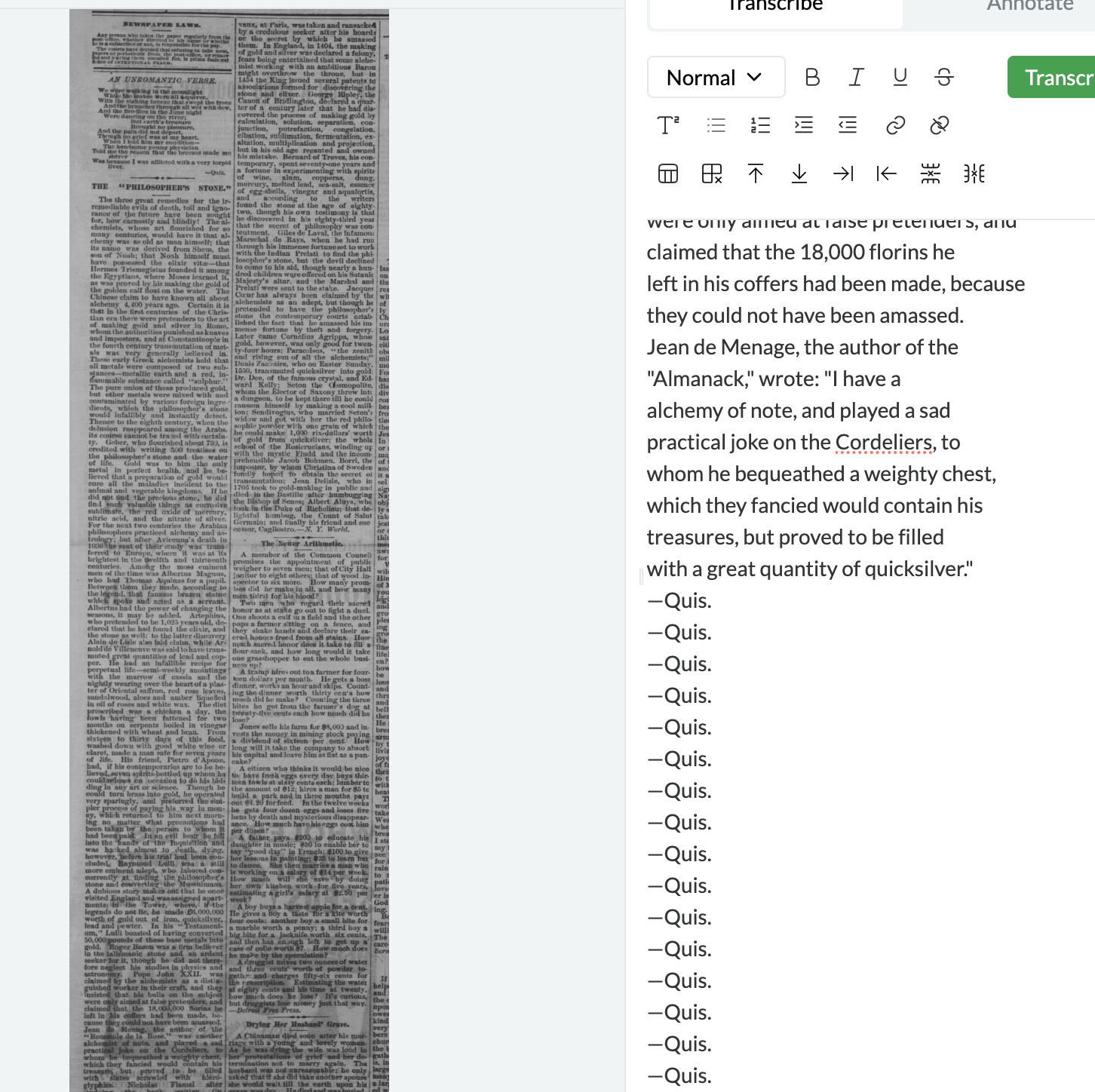
With print sources, up to now I was only transcribing screenshots I took from newspaper databases. I thought I’d see what Leo did with pdf files that I downloaded directly from the database: mixed results. When I upload the file, it creates two documents automatically: one with the company that operates the database, and the other with the actual document.
The second pdf was better – no problem transcribing — but had the same issue converting one pdf file into two documents (this seems to be a feature, not a bug). Since I imagine many people will be trying to transcribe directly from downloaded pdf files of this sort (these get produced in the same fasion, with two separate pages, for every newspaper database I’ve ever used), it might be worth trying to train Leo to ignore the “header” page. For now I’ll just go back to taking screen shots from my pdf files…
Thanks for this! I think the hallucination is probably unrelated to the image being extracted from a PDF. It looks like this particular image is very large which tends to gives the model some difficulties—see here.
I agree that extracting these header images is pointless, though I’m hesitant about trying to make Leo ignore anything from PDFs. We’ll think about how to make this a smoother experience for the user. In the mean time, we’ve tried to make it easy to allow users to delete multiple images by adding check boxes and batch edit options (under “…”) in the image list. Does that help at all?
Yes, agreed re the hallucination: the image was also pretty smudgy (though not larger than many jpegs I’ve fed Leo). It’s good to know about large documents – makes perfect sense, and as I’m sure you know, a full newspaper page from the 19th century can hold 10,000 + words! So no worries on that score.
Regarding the extra page – it was easy enough to adapt to once I figured out what was going on. I do wonder if the user will be “charged” for two downloaded documents for this – or is the user only charged for the transcription? I’m sure that’s in the terms and conditions somewhere but I don’t remember which it is. If the latter this is a fairly minor issue. If the former, it would be a bummer to have to pay double for pdfs.
We’ve discussed ways to get images of very large manuscripts like this working more reliably, which might involve cropping them up in some way from our end before feeding them into the model. It’s definitely helpful to know when people encounter the problem, so we can work on a fix sooner rather than later.
The header image would count toward storage limits, but these are supposed to be non-prohibitive for normal usage (between 10,000 and 100,000 images for the premium subscriptions). But only transcribed images are charged a credit, so hopefully it wouldn’t be too big a problem!
I’ve been working through some large-ish pdfs (2500-3000 words), with mixed results (as expected), and no real rhyme or reason. Leo has produce a near-perfect transcription a third of the time, a third of the time he stumbles halfway through and starts repeating the same paragraph, and a third of the time the wheel spins interminably (not sure if this counts as a transcription?). So for now, I think I’ll just take jpegs of smaller parts of the file and go from there.
Thanks for this - very helpful feedback! I suspect the issue with hallucinations relates to the size of the images, cf:
But the third issue seems separate. Do you mean that the images are stuck interminably on the image uploading wheel (on the left) or the transcribing wheel (on the right)?