I have uploaded a new item, and ticked the automatic transcription box. I got an error message saying Leo is unauthorized to transcribe these images. Then I clicked the “transcribe” button within the item view and it performed the transcription. I added another image to this item, and again the process repeated itself: when trying to perform automatic transcription I got the error saying Leo isn’t authorized to perform it, but then clicking on the transcribe button it did work. I’m attaching the images in case that is helpful. These documents are different to the ones I usually do in that they are printed and not handwritten. I never got that error with the handwritten ones.
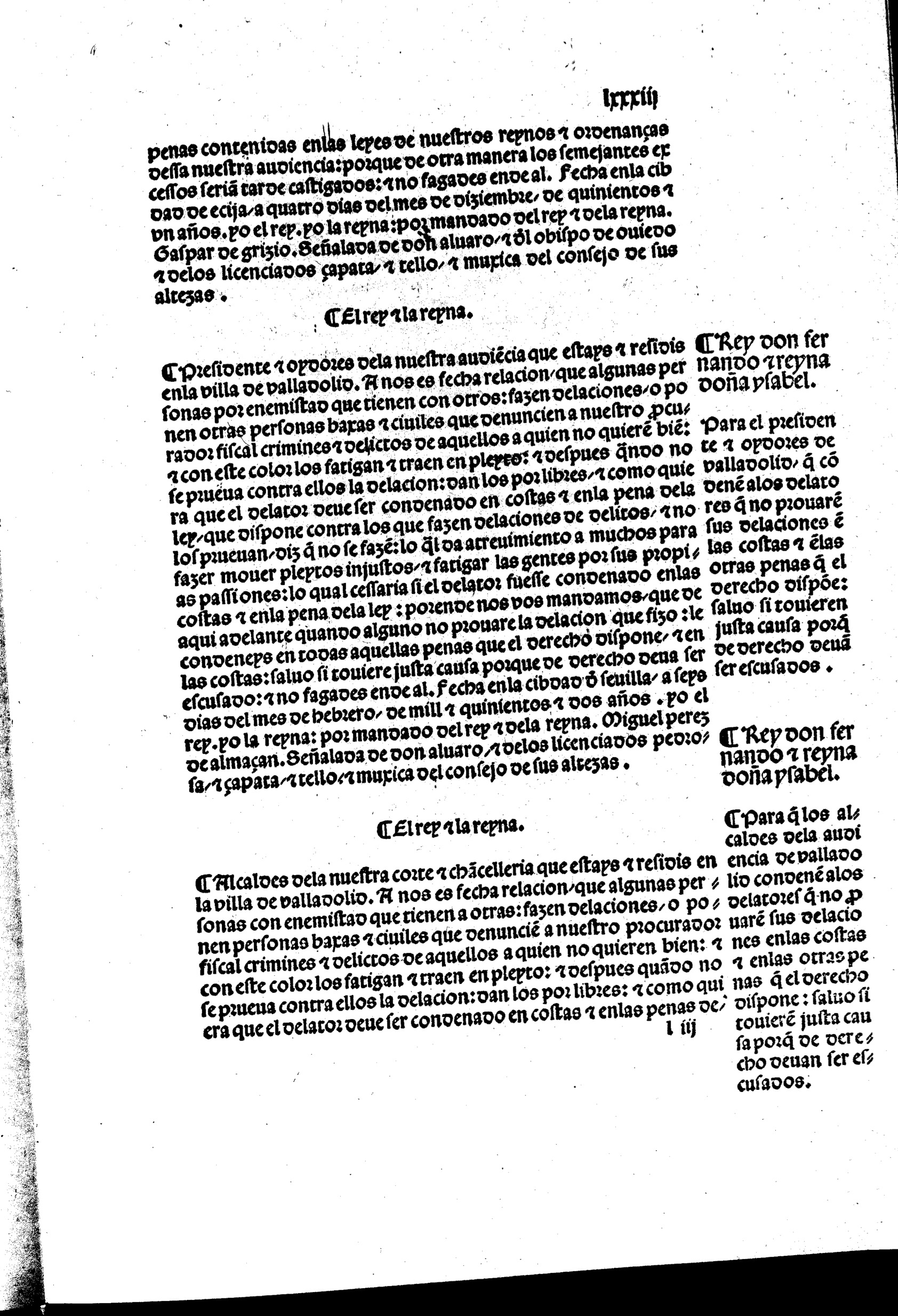
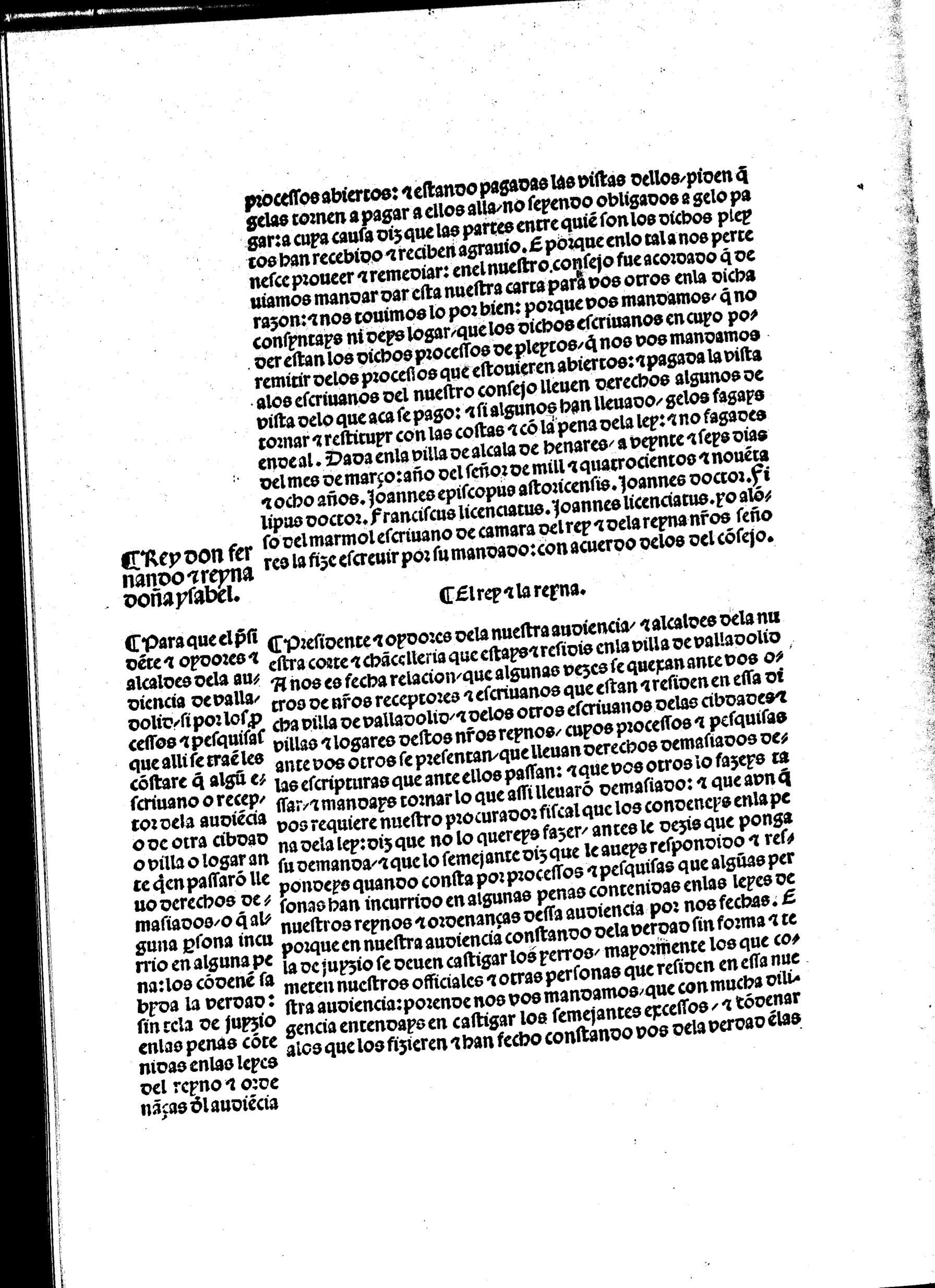
1 Like
Hi Maayan. We can’t find an error message that says “Leo is unauthorized to transcribe these images”. To help us figure out what’s going on here, could you try to reproduce this bug and let us know exactly what the toast (the little popup message at the bottom) says?
So this is weird- I tried reproducing the error by uploading a new image from the same document to the item, and got a different toast this time. I am attaching the screenshot. I am positive that the error I received before said “unauthorized”.
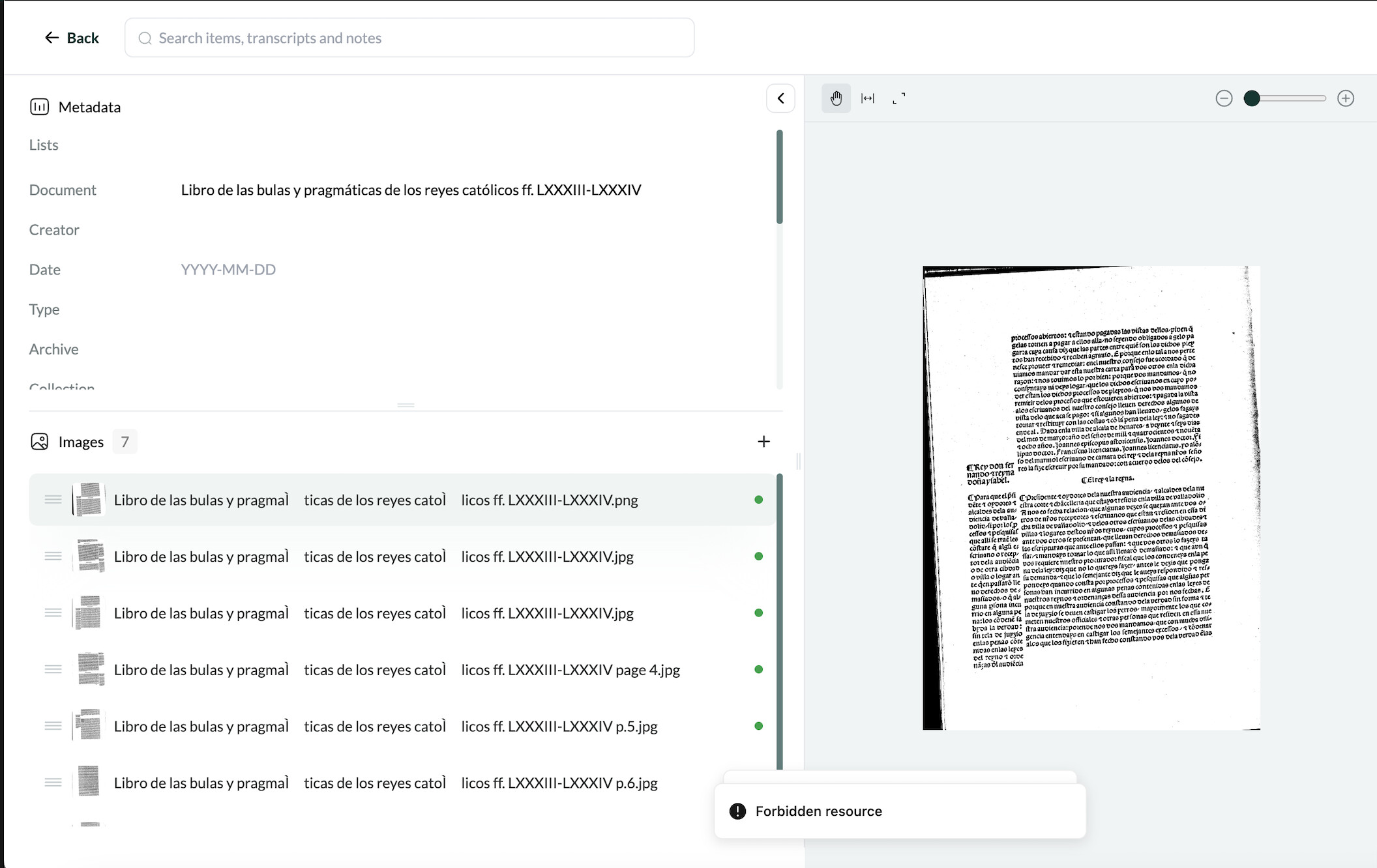
Update- I now uploaded an image to another item, this time it’s handwritted but it has a print heading, I am attaching it so you can see what I mean. When I cropped the heading out and left only the manuscript I had no issues.
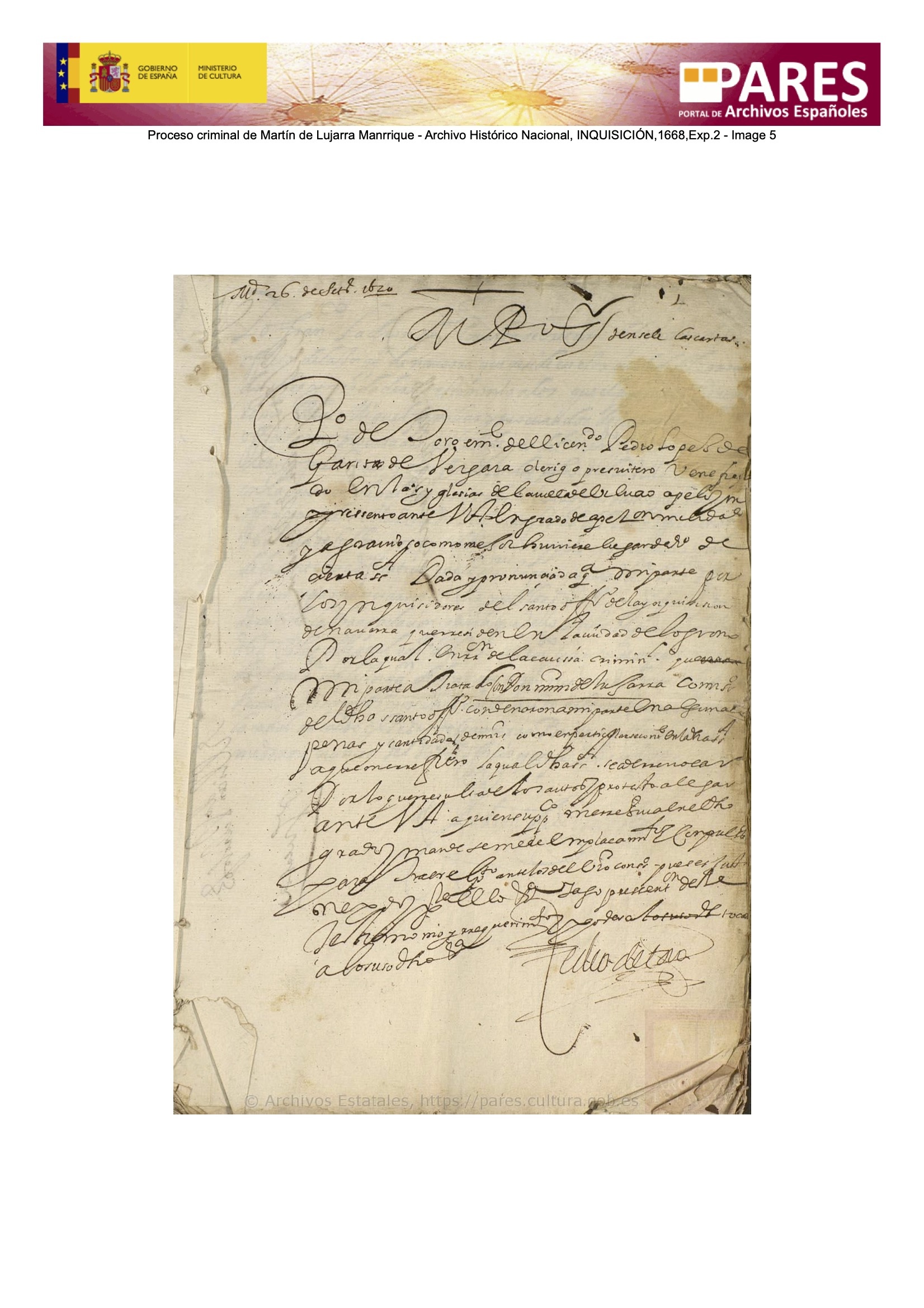
I got this toast:
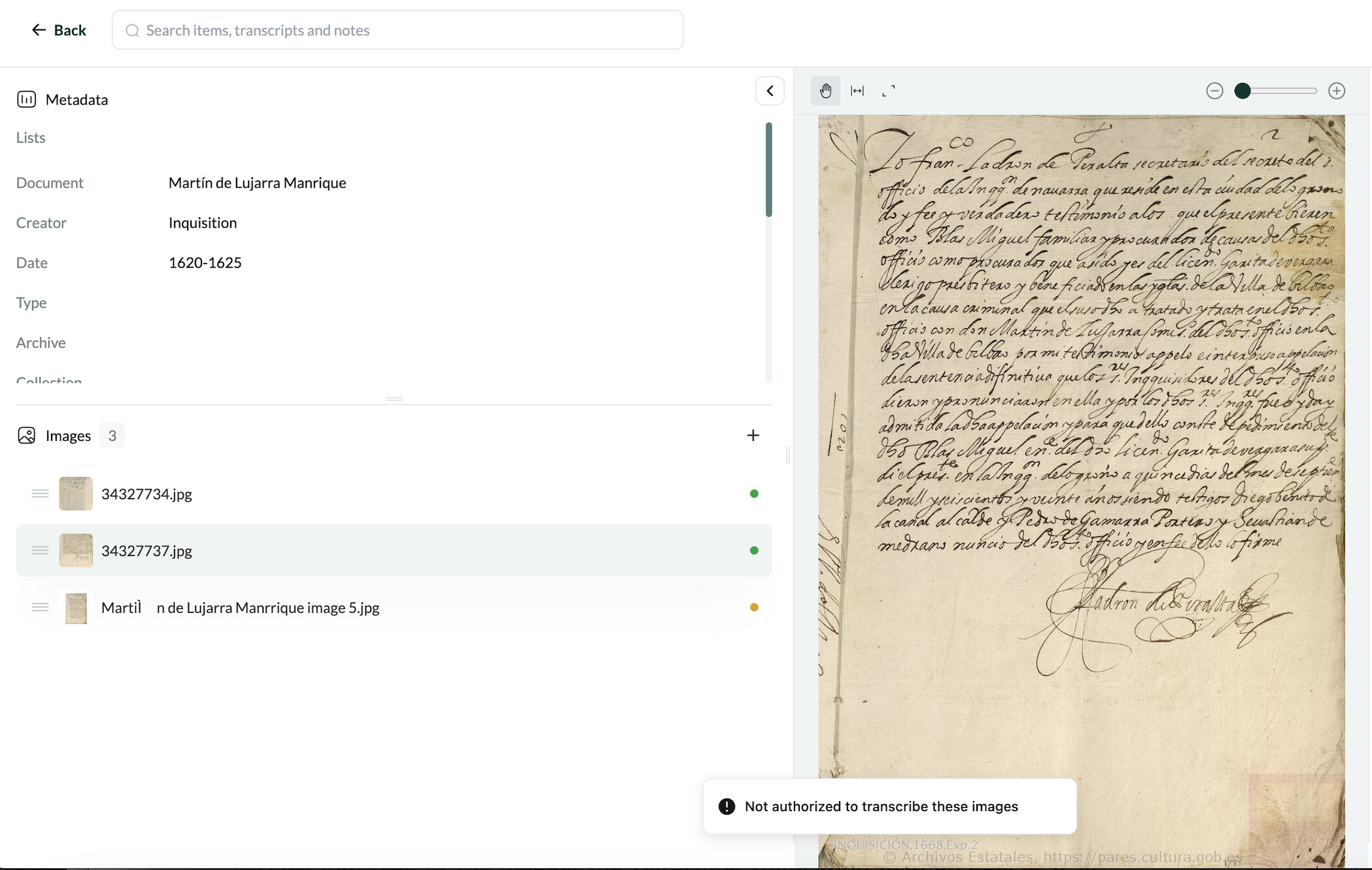
1 Like
Thanks Maayan! We’re on it – we’ll let you know when we’ve resolved this
1 Like